 Spritz Depot

VLC Reborn
VLC media player with its native BeOS-style interface back, no Qt
 Video
 Audio
Descrizione
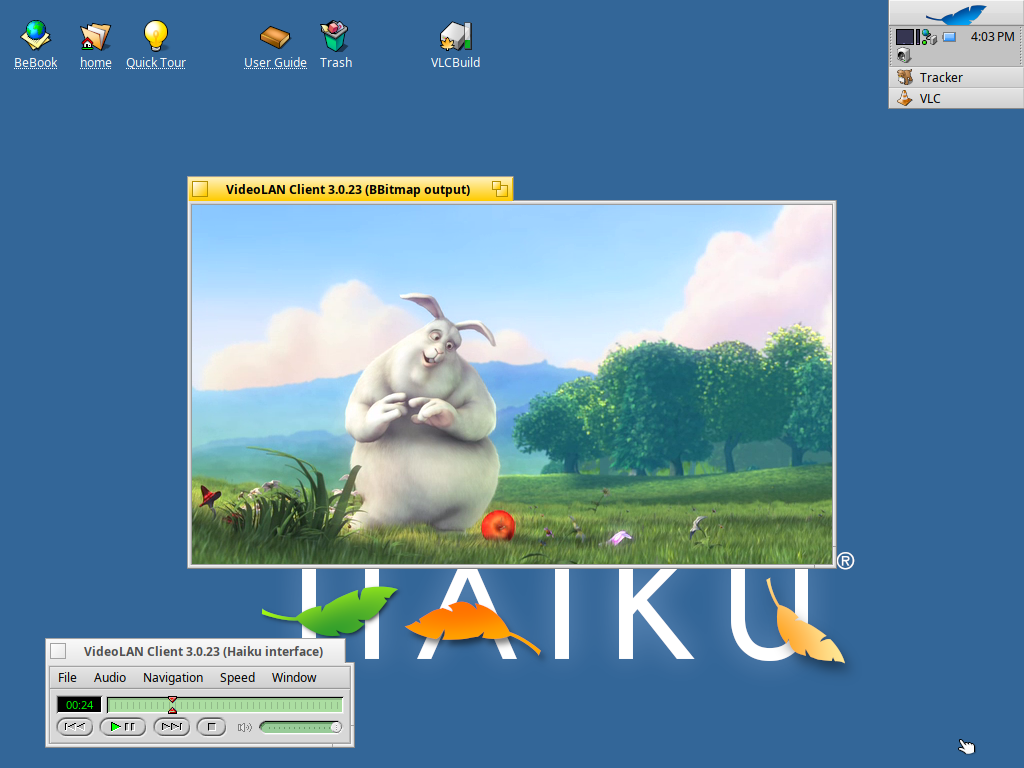
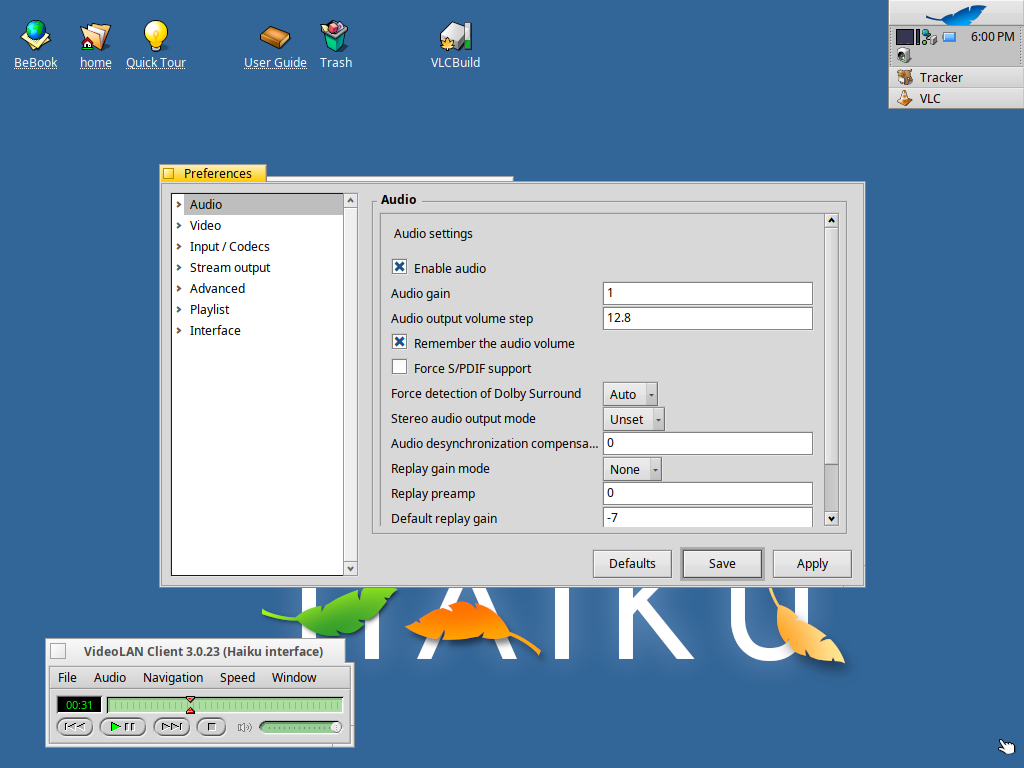
VLC used to have a native BeOS interface. It was removed in 2010 (VLC 1.1) and today's Haiku port uses Qt. VLC Reborn brings the native interface back to VLC 3.0.23.
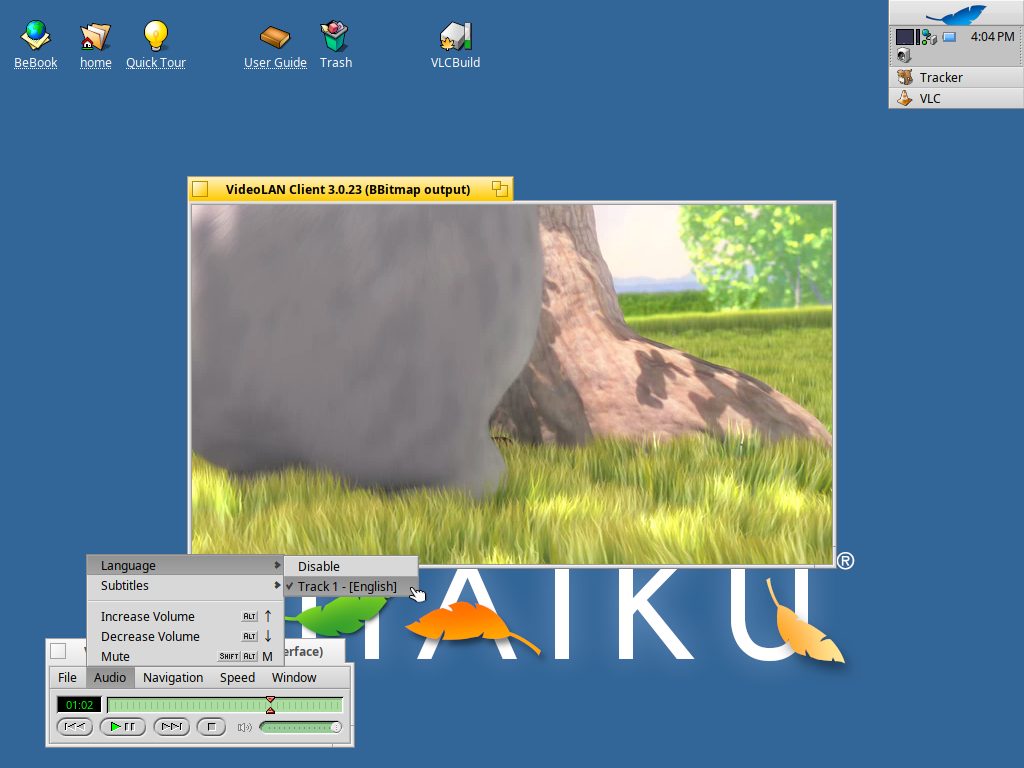
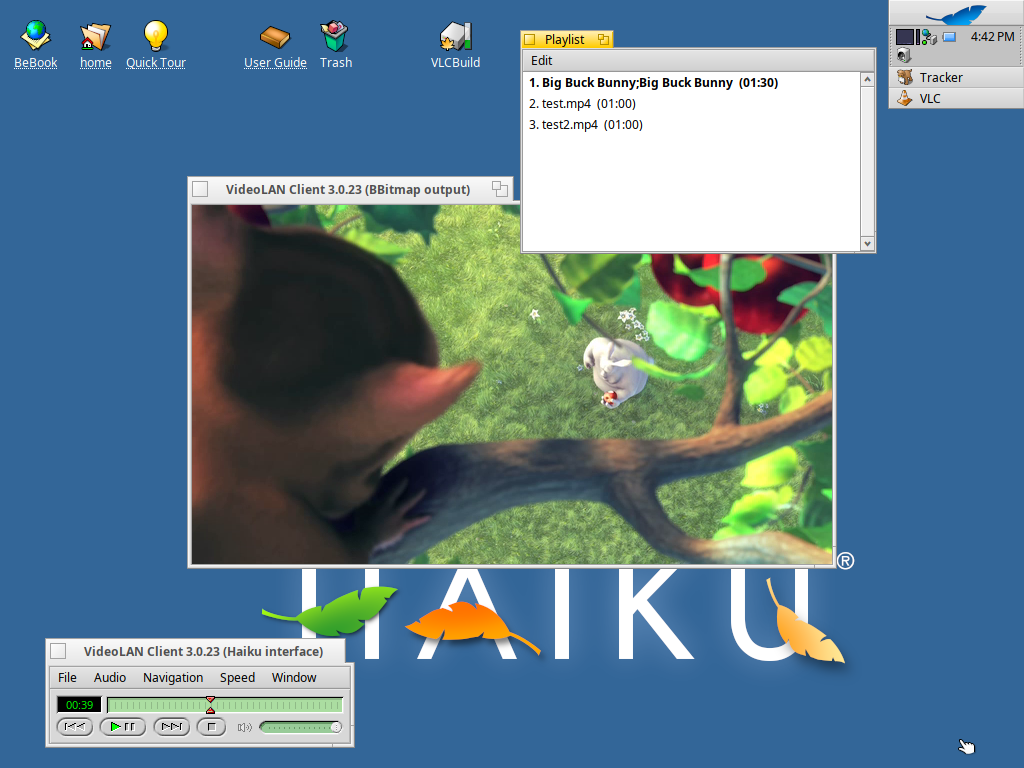
A small interface window with the classic BeOS transport buttons, seek and volume sliders and the green LCD; a BBitmap video output window (or OpenGL in a BGLView) with fullscreen and VLC's keyboard shortcuts; plus Playlist, Messages and Preferences windows built from VLC's own options, as in the BeOS version.
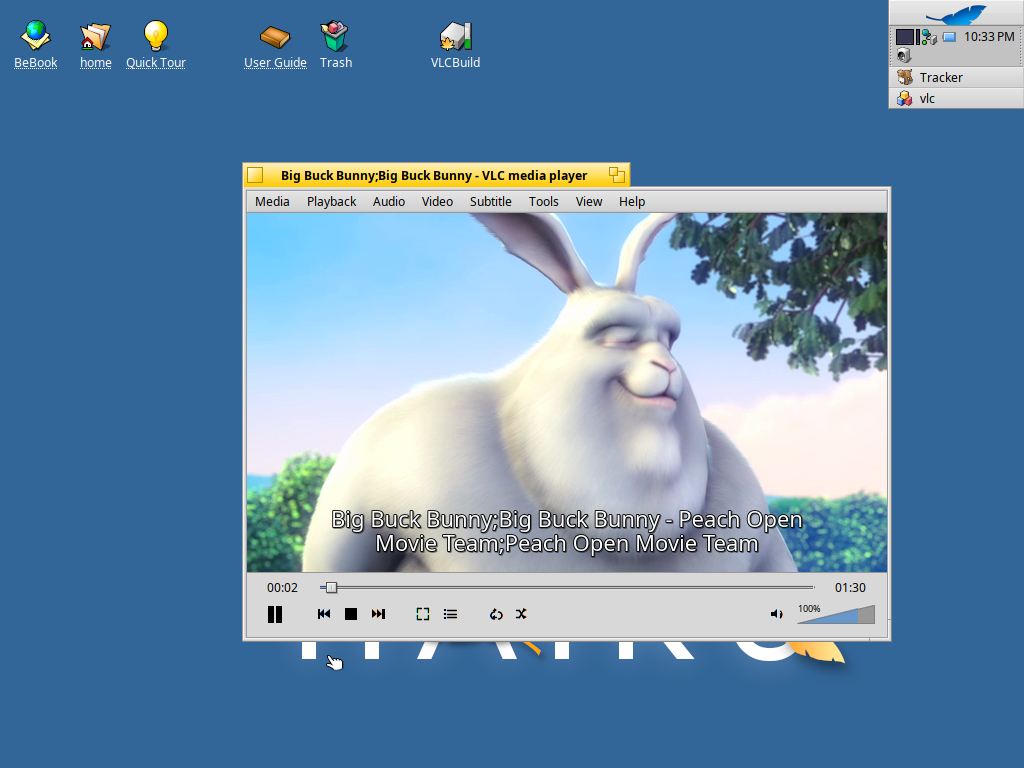
There is also a modern interface: VLC 3's own main window, rebuilt with Haiku views, with the video inside the window, a docked playlist and a fullscreen controller. To use it, choose Window > Modern Interface in the classic window (View > Classic Interface goes back; a playing video carries on), or start VLC with --haiku-interface=modern. The choice is remembered; the classic BeOS interface stays the default.
Schermate
Installa
Canale stable v3.0.23-6
Copia questo URL in HaikuDepot (Repository), poi installa VLC Reborn come qualsiasi altro pacchetto. Nessun client aggiuntivo richiesto.
Installa Spritz Depot per aggiornamenti automatici e installazione in un clicIl file arriva dal server dell'autore: Spritz Depot non ospita i pacchetti, li indica. Scaricandolo a mano lo verifichi tu (con sha256sum); il client Haiku lo verifica al posto tuo.